Your service reports.
Smarter.
Anywhere.
Create reports, capture machine details, and turn field notes into clear documentation—all from your phone.
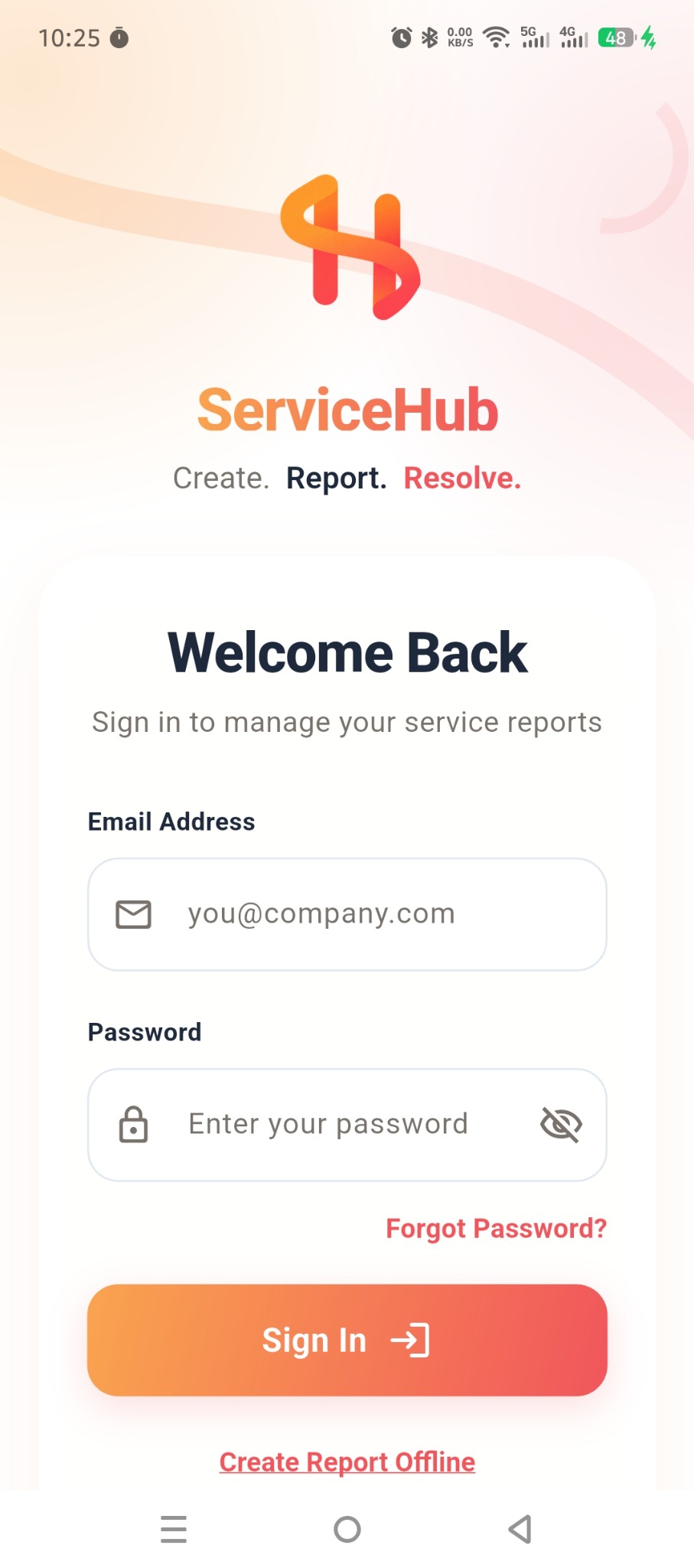
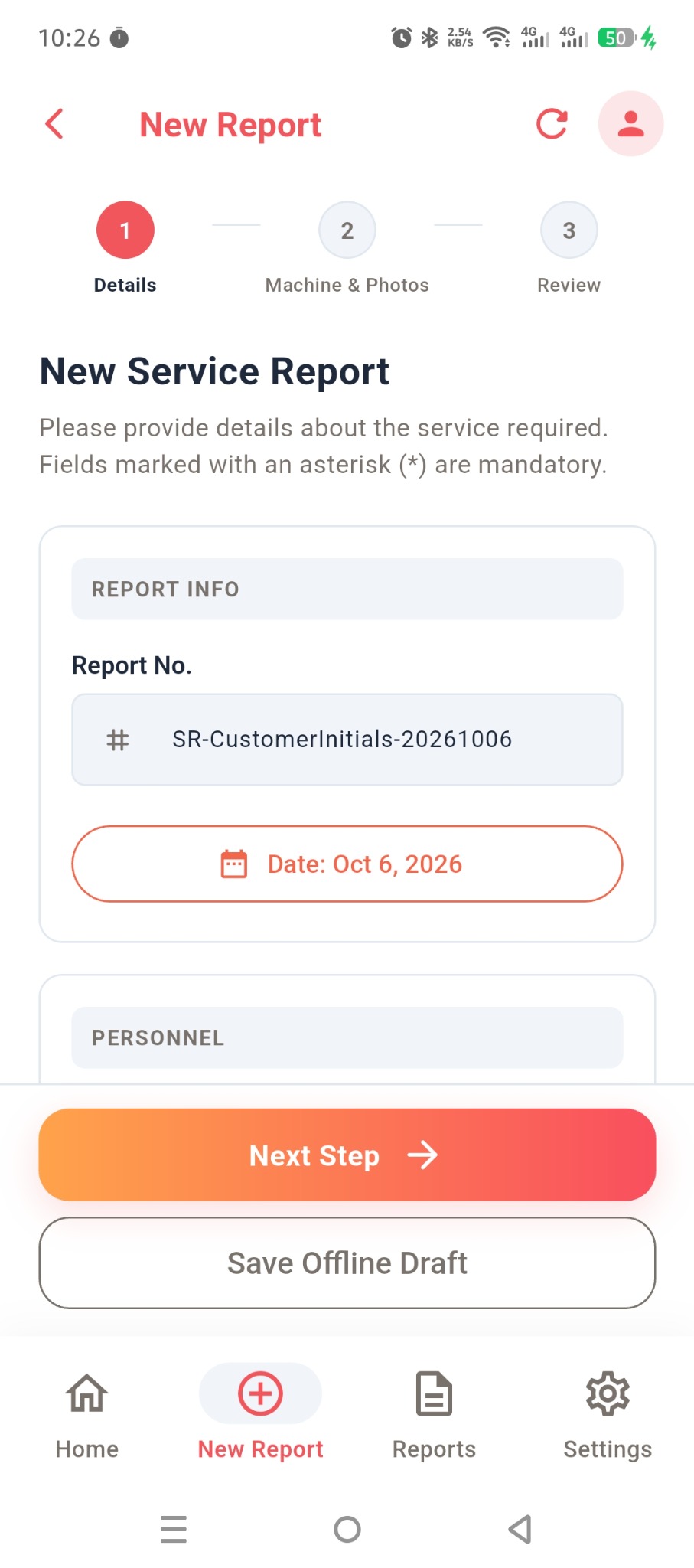
Turn field notes into clear report text.
Capture details, even without internet.
Review, generate, and share.
Rough notes.
Clear reports.
Use Improve with AI to refine your service notes into clear, professional report text. Review the wording before submitting.
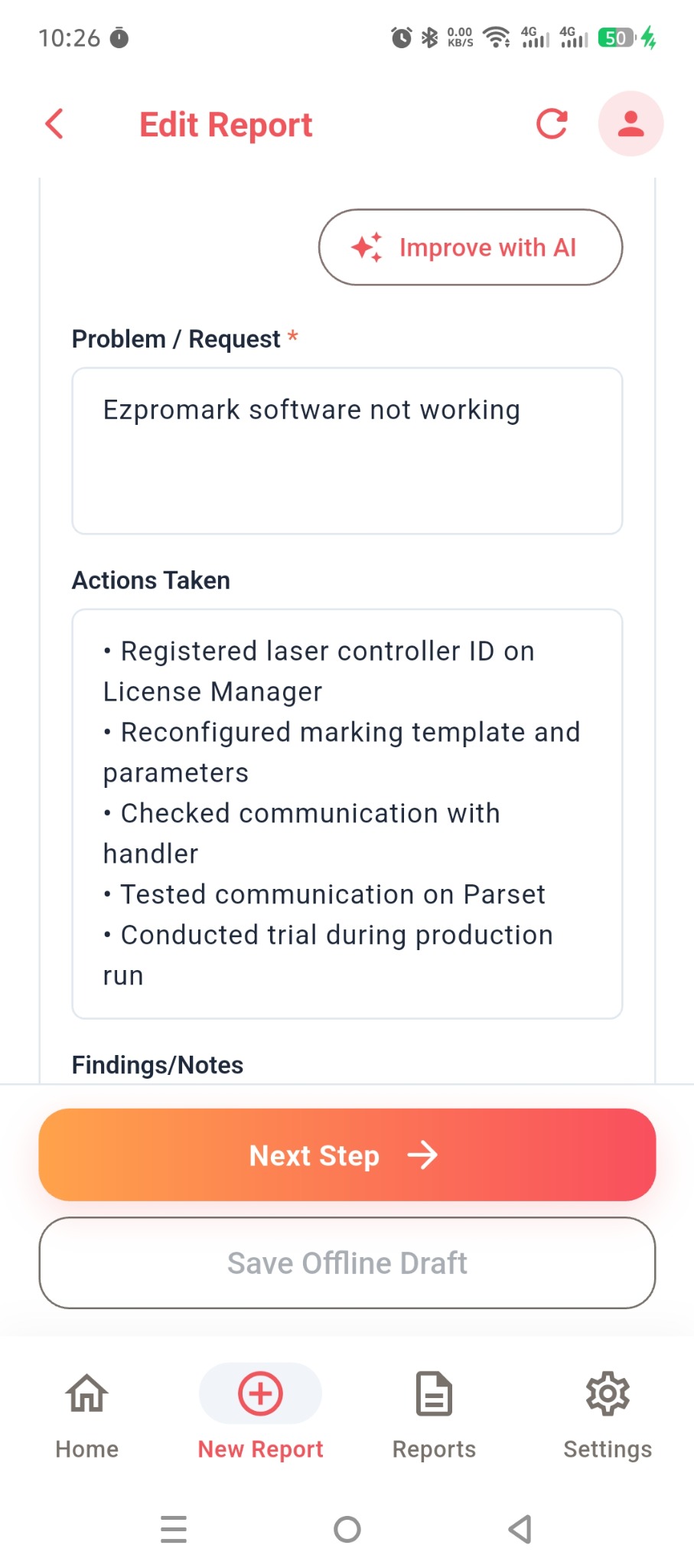
checked cables, restarted software
Checked the cables and restarted the software.
Illustrative example. You review the final wording.
Everything you need on site.
Keep your service information organized, from the first detail to the final report.
Guided report creation
Add service details, machine information, and photos in a simple step-by-step workflow.
Offline drafts
Capture details without internet and save a local draft to continue later.
Customers & contacts
Keep company details, site addresses, and contact information organized.
Preview & generate PDFs
Review your service report and generate a PDF for sharing.
From first detail to final report.
A clear, guided workflow on your Android phone.
Add details
Enter service information, select your customer, and describe the issue.
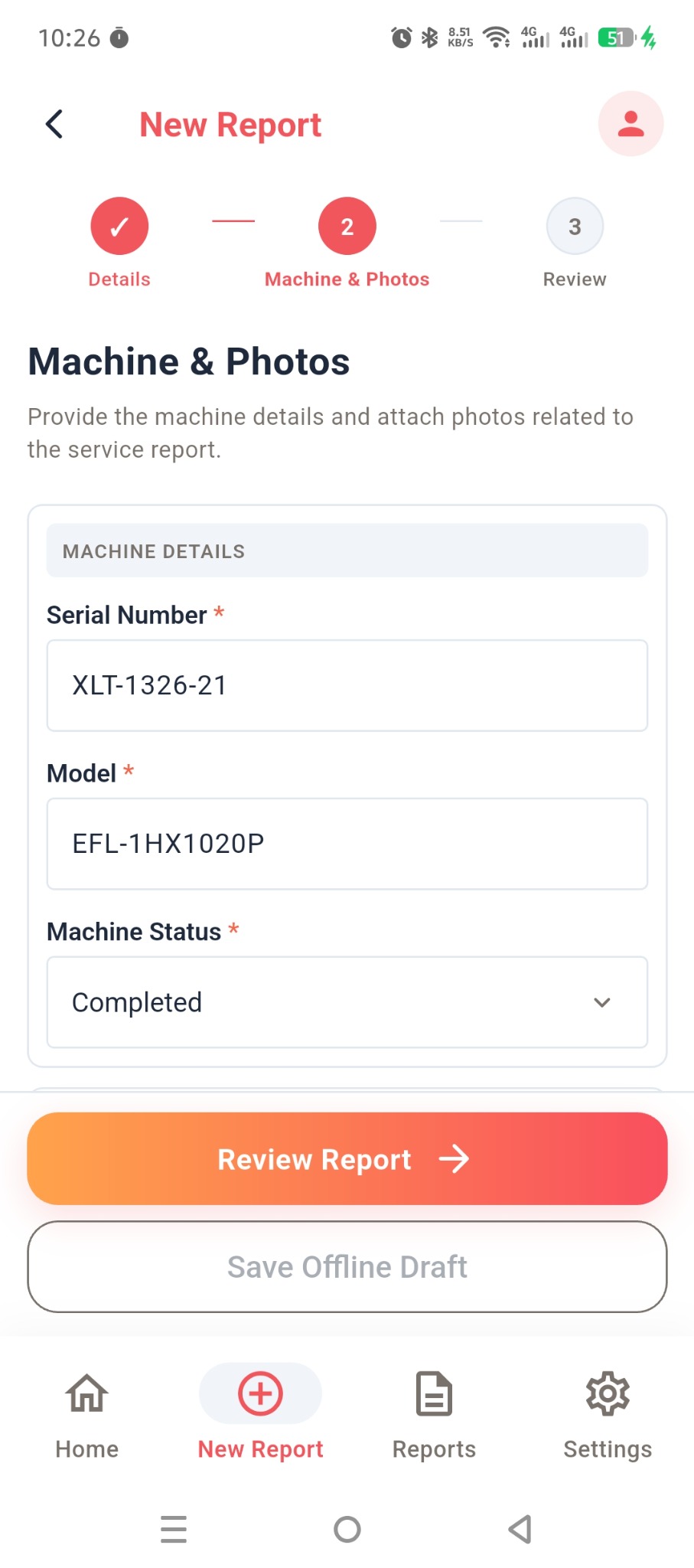
Capture machine & photos
Add machine details and attach photos related to the service.
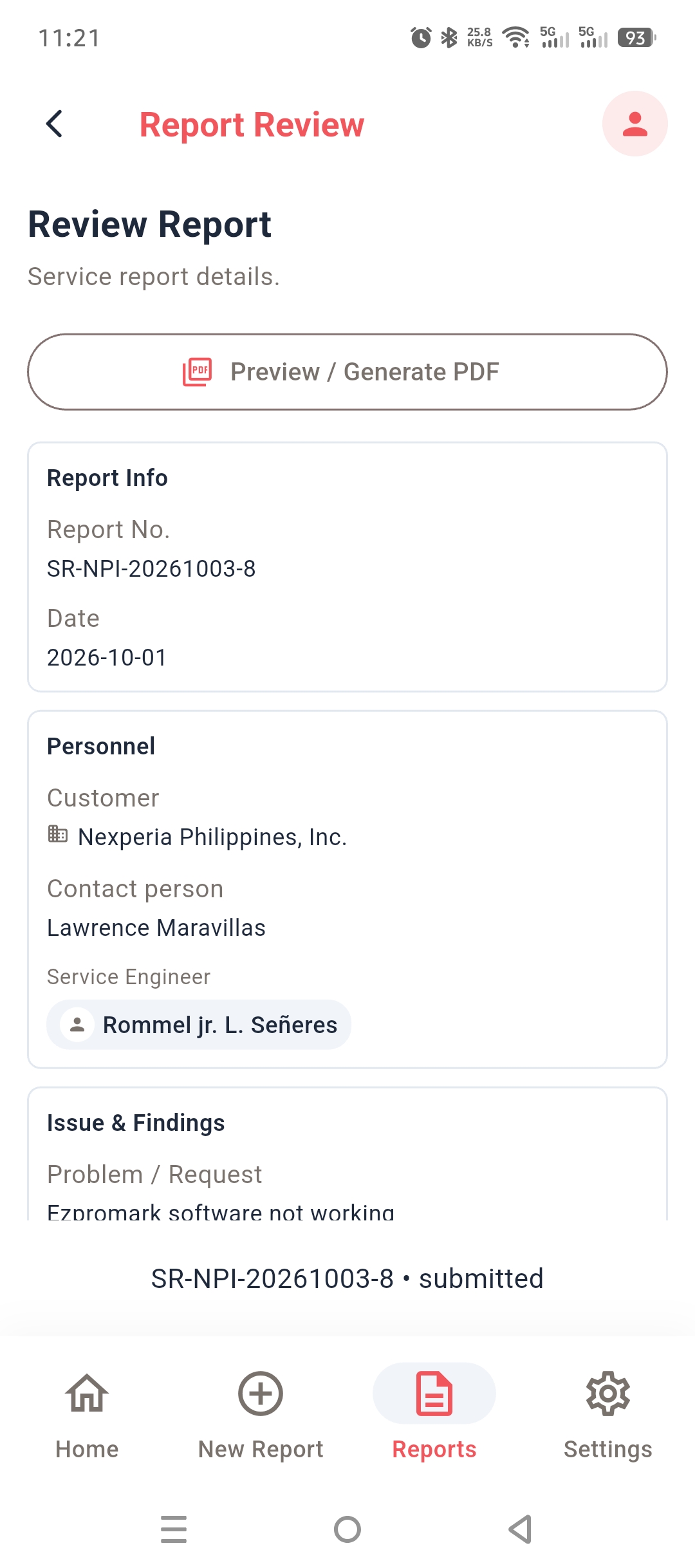
Review & submit
Check your details, preview the report, and generate your PDF.
Your next service report starts here.
Take ServiceHub into the field and keep your service documentation close at hand.
Download Android APKBuilt for Android